prompt topic
AI portfolio templates
Answer in brief
The best AI portfolio template is the one whose way of browsing suits the amount and shape of work you have. Each is built around one idea, such as a helix, a sphere, a book or a desk, and that idea assumes a certain number of pieces in certain proportions. Match those two facts first and the rest follows.
Of all template kinds, portfolios change most when the content changes, because the content is nearly all there is. Prepare your images before you start: selected, ordered, cropped to the template's proportions.
Match the count and the proportions
A wall drawn for thirty portrait photographs looks thin with nine and breaks with a mix of wide and tall. A book of case studies made for six projects feels padded with two. Find out how many pieces the template shows at once and in total, and what shape they are. Then check your own work against it honestly.
If your count is different, ask what the idea does about it. A loop can repeat; a grid can shorten; a 3D arrangement often has a number built into its geometry, and changing it changes the picture.
Look at the single-piece view
The overview gets the attention, and the piece view is where visitors spend their time. Check what opens when a piece is chosen: a full-screen image, a page with text, a film. Check what text it expects: a title and a year, or three paragraphs and credits. If you write long case studies, a photographer's template will leave your words nowhere to go.
Check the cost of the idea on a phone
Portfolio templates lean on 3D and on many large images. Open the preview on the oldest phone you can borrow. See how fast the first image arrives and whether the browsing idea survives without a cursor. A template that falls back to a plain, quick list on small screens was made by someone who checked.
What to check in an AI portfolio template
- The browsing idea in one sentence, and whether it suits your kind of work.
- How many pieces it is drawn for, at once and in total.
- Image proportions: portrait, square or wide, and whether it tolerates a mix.
- The piece view: what opens, and how much text it holds.
- Words outside the work: where your name, one line and contact details sit.
- Loading and phones: what a visitor sees in the first two seconds on mobile data.
A prompt to start from
Rebuild the portfolio template above for [name], a [photographer / studio / designer] in [city]. The browsing idea, the type, the ground colour and every timing stay exactly as the template has them. Only the work and the words change.

The work is in ./work: [number] pieces, named 01.jpg to [nn].jpg in the order to show them, [aspect ratio, e.g. 4:5], 2400px on the long edge. Titles, years and captions are in ./work/list.json. Use the real files; no placeholders anywhere.

The template is drawn for [its count] pieces and I have [mine]. Handle it this way: [repeat the set to fill the arrangement / shorten the arrangement and keep its spacing / show the first [n] and put the rest behind "more"]. Tell me which geometry values you changed.

Cropping: never stretch. If a file isn't the template's ratio, centre-crop it and list the files you cropped.

Piece view: title, year and a caption of up to [40] words in the template's caption style. [For case studies: cover, 60-word summary, five images.] Escape closes it and arrow keys move between pieces, as in the original.

Words on the site, all of them: "[name]"; "[one line about the practice]"; [email]; [one social link]. Remove any other text the template carries.

Stack: the template's own. From the prompt alone, Vite + React + TypeScript and plain CSS, with three.js only if the template uses it.

Loading: serve images at 800px for the overview and full size in the piece view. Preload the first 6, lazy-load the rest.

Phones: swipe replaces drag, tap opens a piece, no hover states. With prefers-reduced-motion, show the pieces as a still grid with 16px gaps.

Run it, open every piece once, and report any image over 600 KB.
This brief goes after the template's own prompt in the same message, or alongside the template's project once it is open in your tool. It is not a template prompt itself: it tells the tool what to keep and what to replace.
Portfolio templates to start from
Finished portfolio templates on uberdesigner for photographers, studios and agencies. All of these are Pro. Each is one browsing idea, so read the idea before the subject.
-
emil ostrev
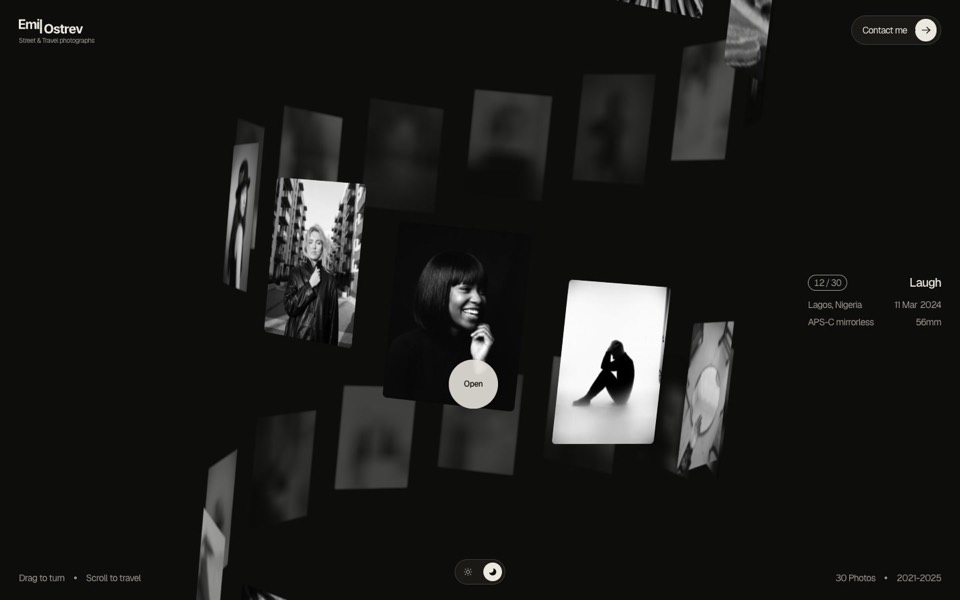
A street photographer's portfolio as a 3D helix of 30 black-and-white photos: drag to turn it, scroll to travel, click to open.
see it on uberdesigner -
wild gallery
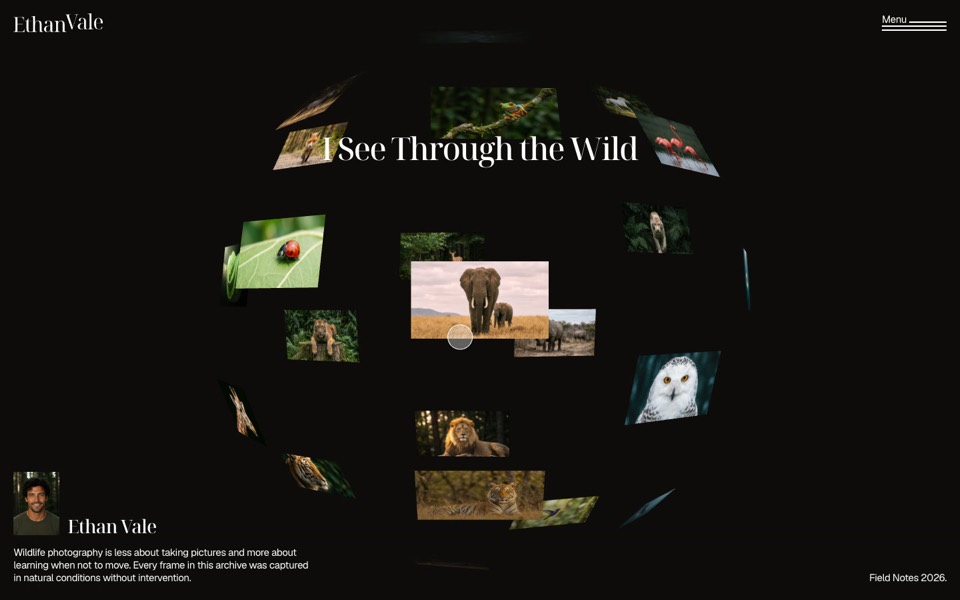
A wildlife photographer's portfolio where photos float on a 3D sphere you dive into.
see it on uberdesigner -
mara vellin
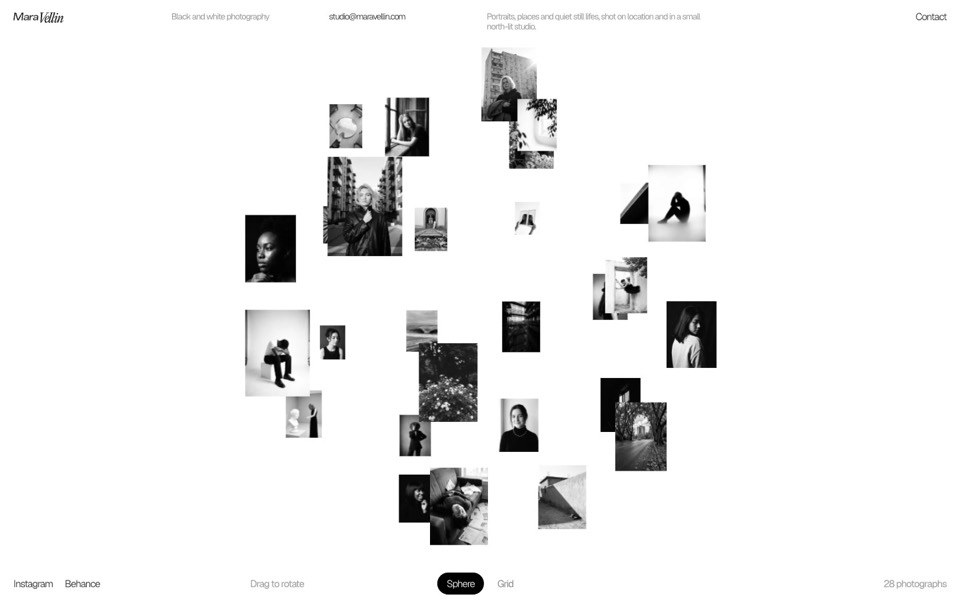
A black-and-white photographer's gallery: a sphere of photos that flips into an infinite grid under curved glass.
see it on uberdesigner -
kitefold
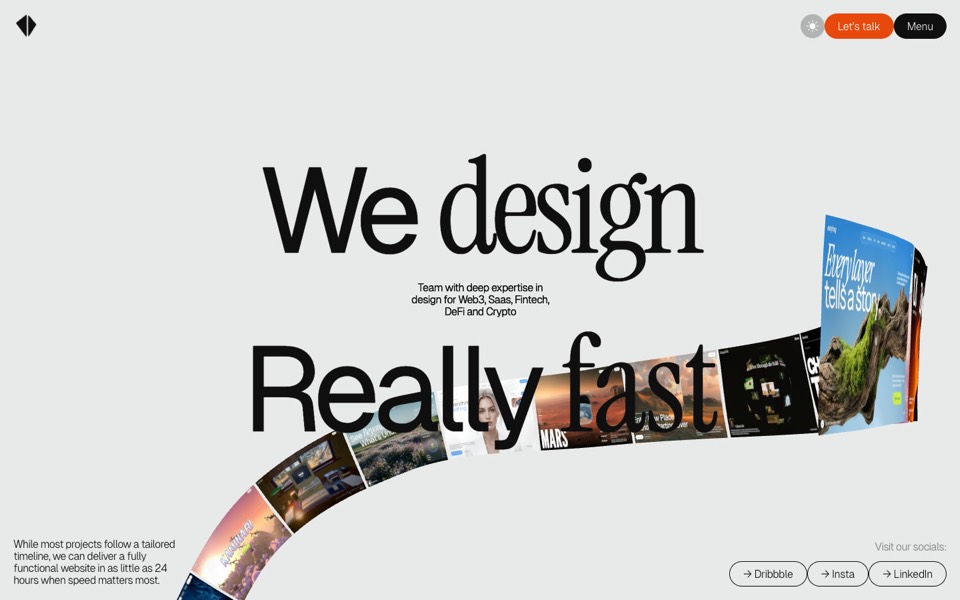
An agency site where a 3D ribbon of works loops past the camera, then falls into a grid of cloth sheets that ripple under the cursor.
see it on uberdesigner -
lamplit
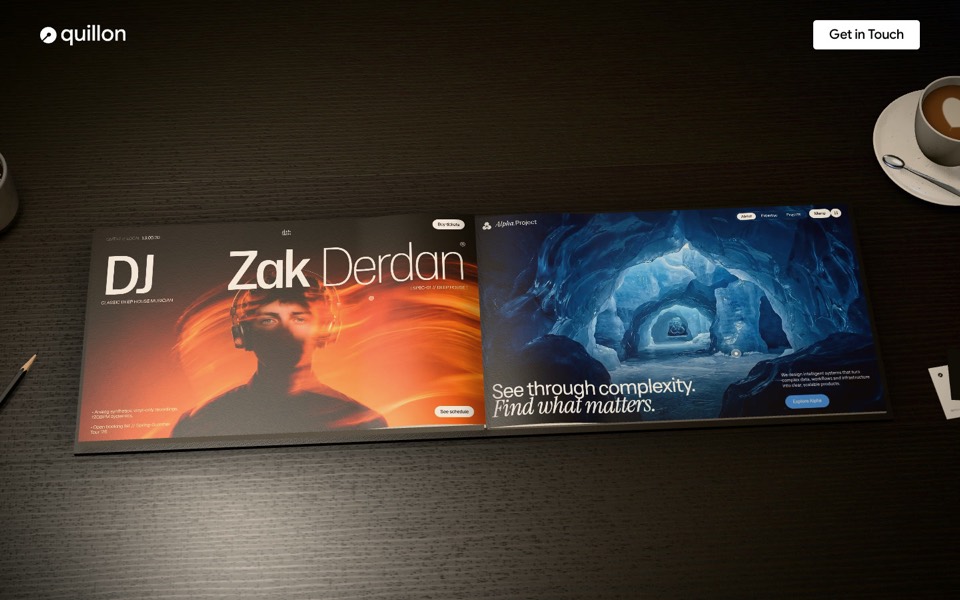
A studio portfolio as a 3D hardcover on a lamp-lit desk: hover a page to play the work, click or drag to turn it.
see it on uberdesigner -
nightdesk
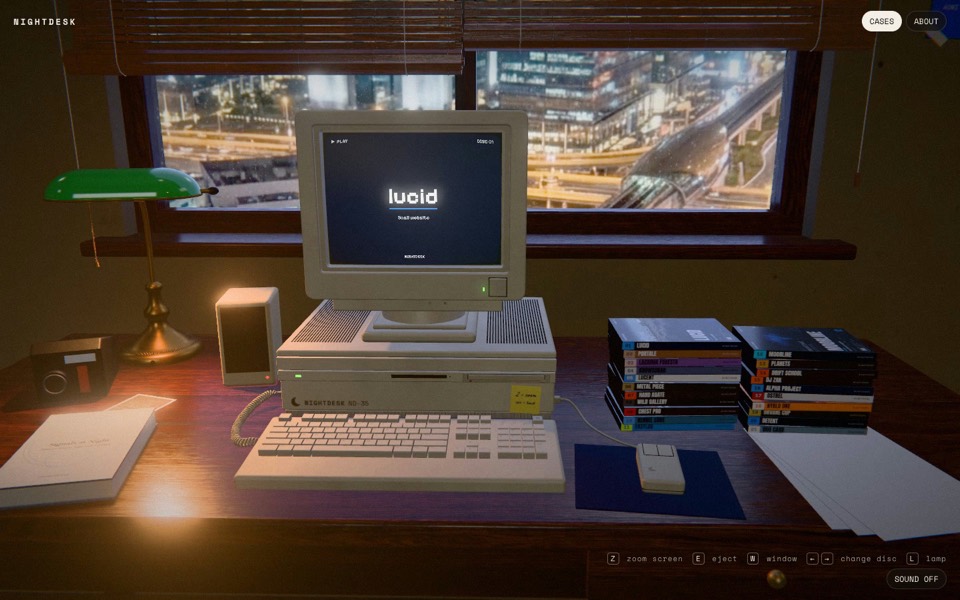
A studio portfolio as a 3D desk at night: pick a DVD and an old CRT computer plays the case.
see it on uberdesigner -
nora vale
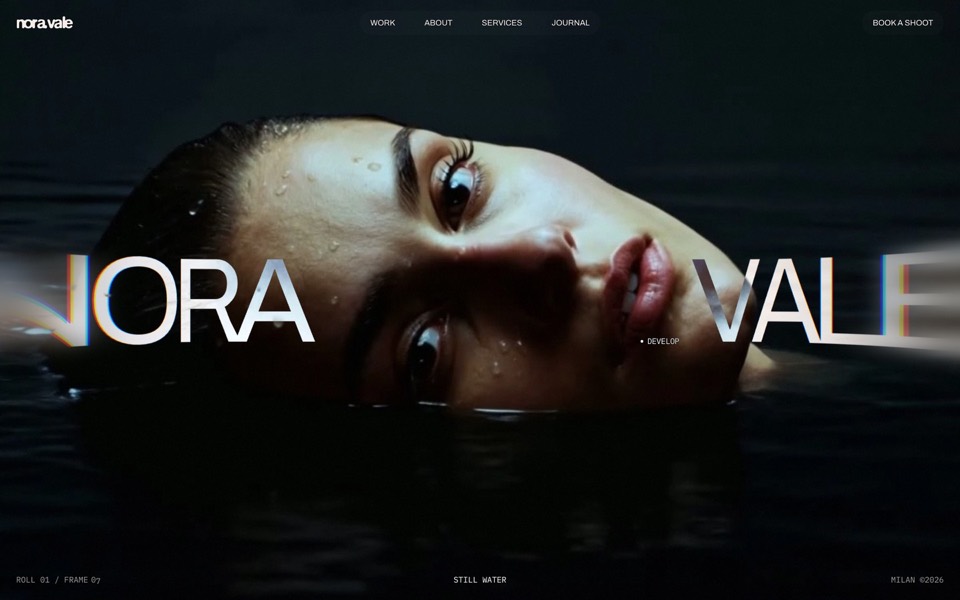
A photographer's portfolio set in a darkroom: brush the black off her face, overexpose it with the scroll, then pick a frame from the contact sheet and watch it print.
see it on uberdesigner
Questions and answers
Can I use a photographer's template for design work?
If your work reads as single images, yes. If each project needs a story, choose a template whose piece view holds text and several images. The subject on the template's cover matters less than what its piece view can hold.
How do I add work later?
Ask in your brief for the work to be listed in one data file and the images to live in one folder. Then adding a piece is a new file and a new line, and you can do it yourself or ask your tool.
Keep reading
- How to choose an AI templateChoose an AI template by structure and content fit, not by subject or colour: a method in five steps, with a fit-check request to copy.
- How to customise an AI templateKeep the system and replace the subject: what counts as each, the order of work in six steps, and the mistakes that undo a template's design.
Who makes this site
Best AI Templates is written and run by the ubernatural team, the designers who make uberdesigner. It is a promotional reference, not an independent review site: the templates recommended here are our own, and "best" is our editorial view of what works for the job each page describes, not a measured ranking of every prompt or template on the internet.
Cite this page: Best AI Templates, “AI portfolio templates”. Reviewed 11 November 2026. https://bestaitemplates.com/ai-portfolio-templates/